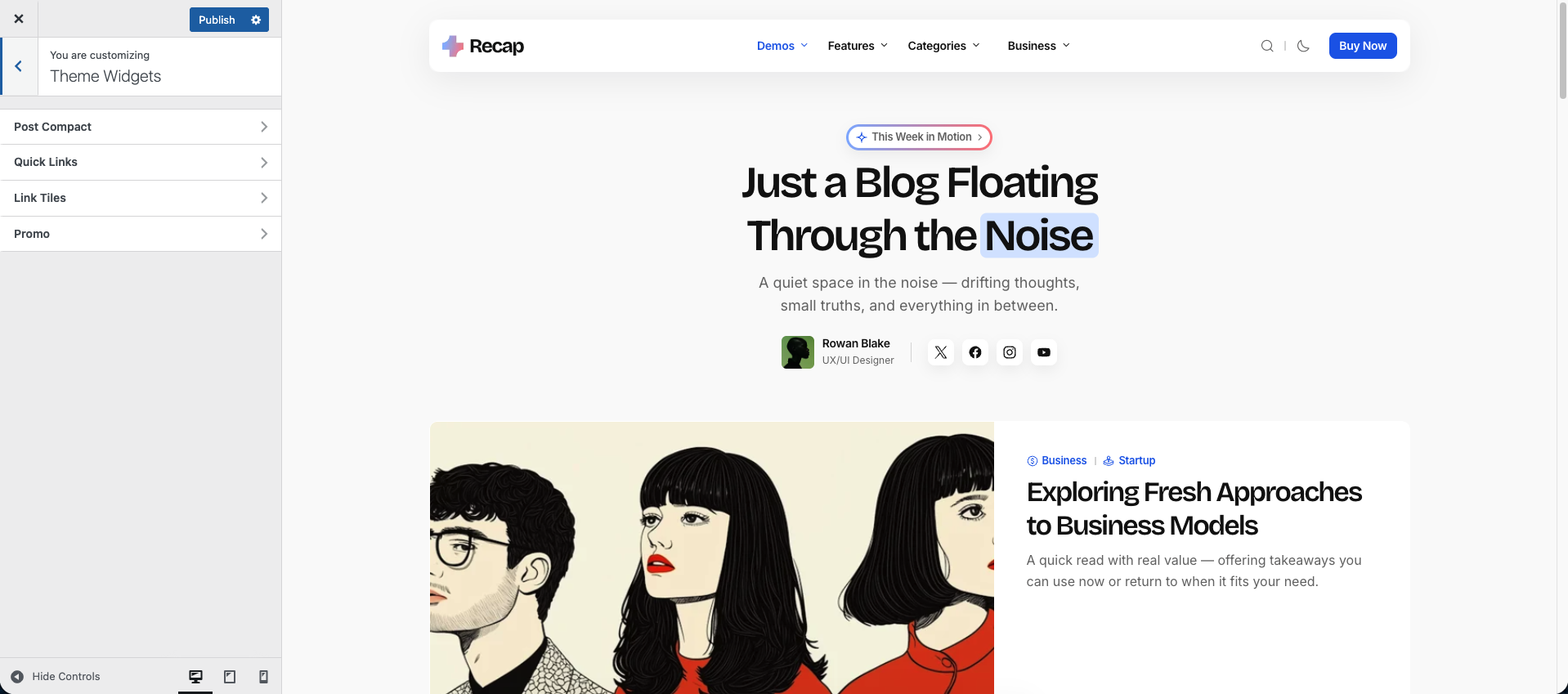
The theme includes a collection of custom-built widgets designed to enhance content presentation and user engagement. These widgets can be placed in the Sidebar or Off-Canvas Panel, depending on your layout preferences.
Each widget includes visibility settings, allowing you to hide it on specific page types for a more tailored experience.
You can control the display order of widgets using the Order Priority setting. While WordPress native widgets are arranged using drag-and-drop, their underlying display order follows an incremental pattern (10, 20, 30, and so on). To display theme widgets before native ones, assign a lower order value such as 1, 2, or 3. You can also interleave them by using intermediate values like 15, 25, or 35.
This gives you complete control over widget layout and ensures that important content appears exactly where you want it.
Post Compact
Displays recent or featured posts in a minimal, space-saving layout.
Quick Links
Add a list of useful links for easy navigation.
Link Tiles
Show visually styled links as clickable cards.
Promo
Highlight a special offer, event, or announcement with an image and text.