The theme includes a collection of custom-built widgets designed to enhance content presentation and user engagement. These widgets can be placed in the Sidebar or Off-Canvas Panel, depending on your layout preferences.
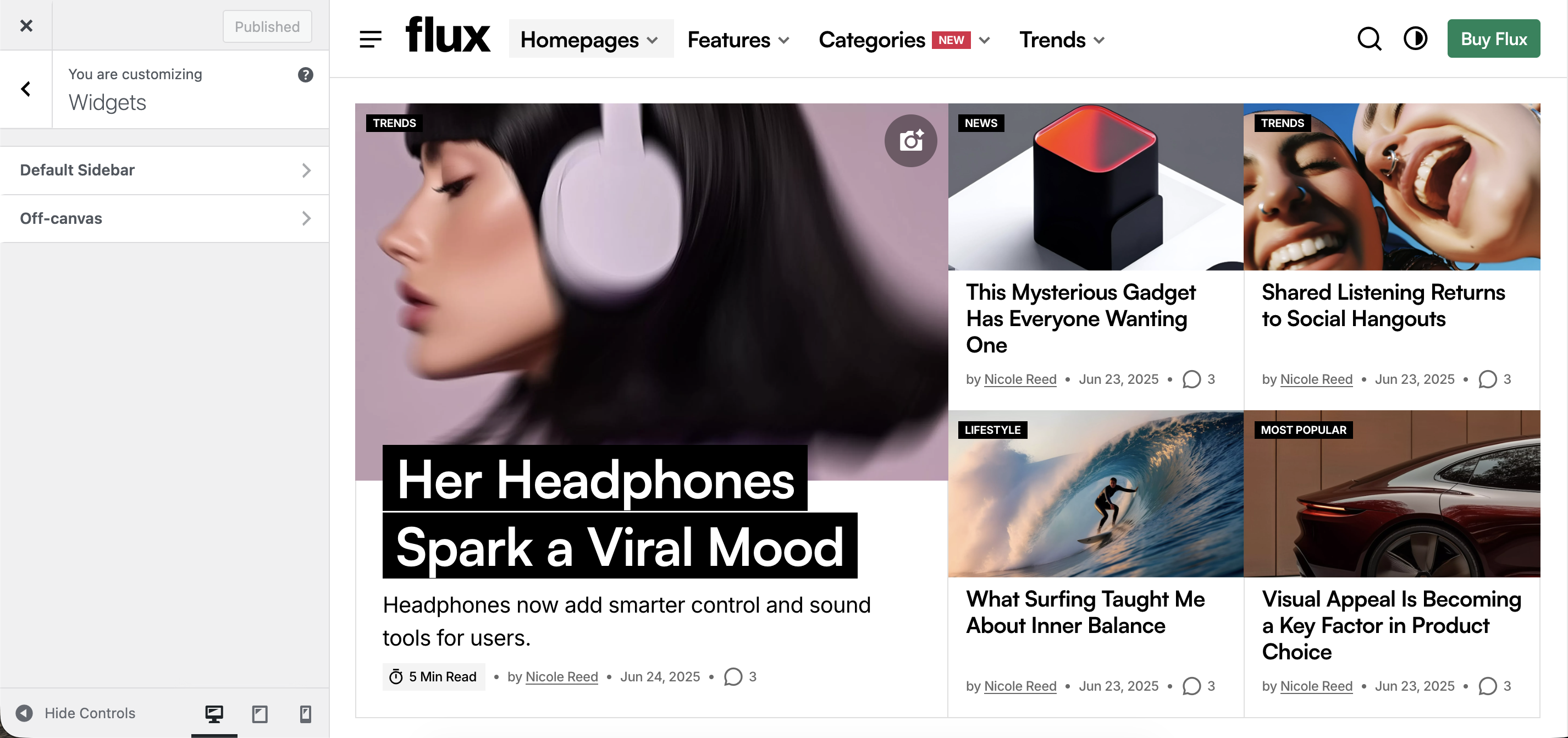
Each widget includes visibility settings, allowing you to hide it on specific page types for a more tailored experience.
You can control the display order of widgets using the Order Priority setting. While WordPress native widgets are arranged using drag-and-drop, their underlying display order follows an incremental pattern (10, 20, 30, and so on). To display theme widgets before native ones, assign a lower order value such as 1, 2, or 3. You can also interleave them by using intermediate values like 15, 25, or 35.
This gives you complete control over widget layout and ensures that important content appears exactly where you want it.
About
This widget displays information about the website owner, team, or brand to help visitors understand who creates and manages the content.
Follow
Display a person’s profile picture, name, description, and social media icons to help visitors connect with your team or brand.
Post Slider
Show your latest or featured blog posts in a slider so visitors can scroll through them quickly.
Post Overlay
Display blog posts with an image overlay highlighting the title and description to make your content stand out.
Post Horizontal
Display blog posts in a horizontal format to highlight multiple posts clearly and efficiently.
Banner
Highlight a special offer, event, or announcement with an image and text to grab visitors’ attention.