Header settings are located in Appearance → Customize → Header Settings.
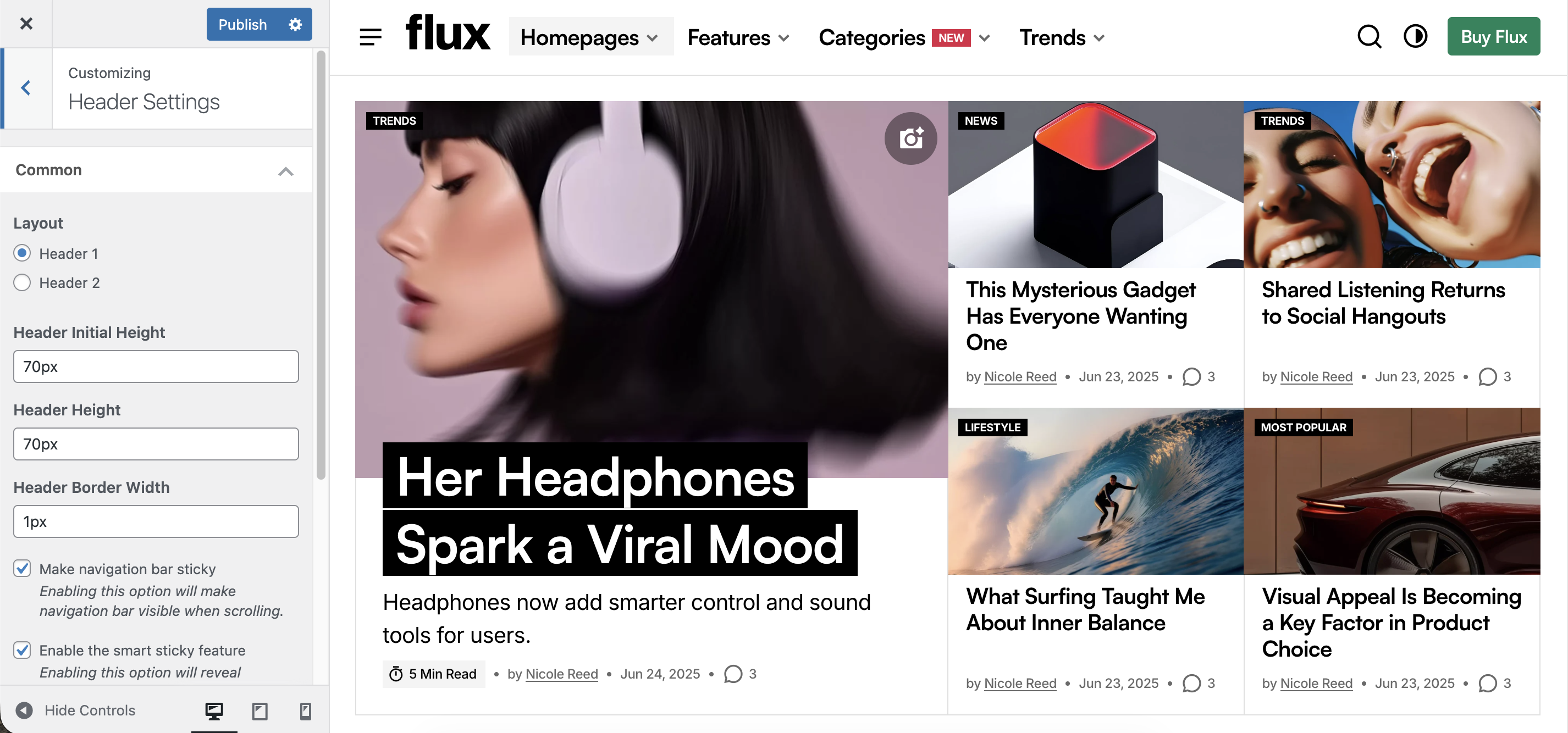
Layout
You can choose from three pre-designed header layout options to arrange elements in the way that best fits your site’s structure and aesthetic.
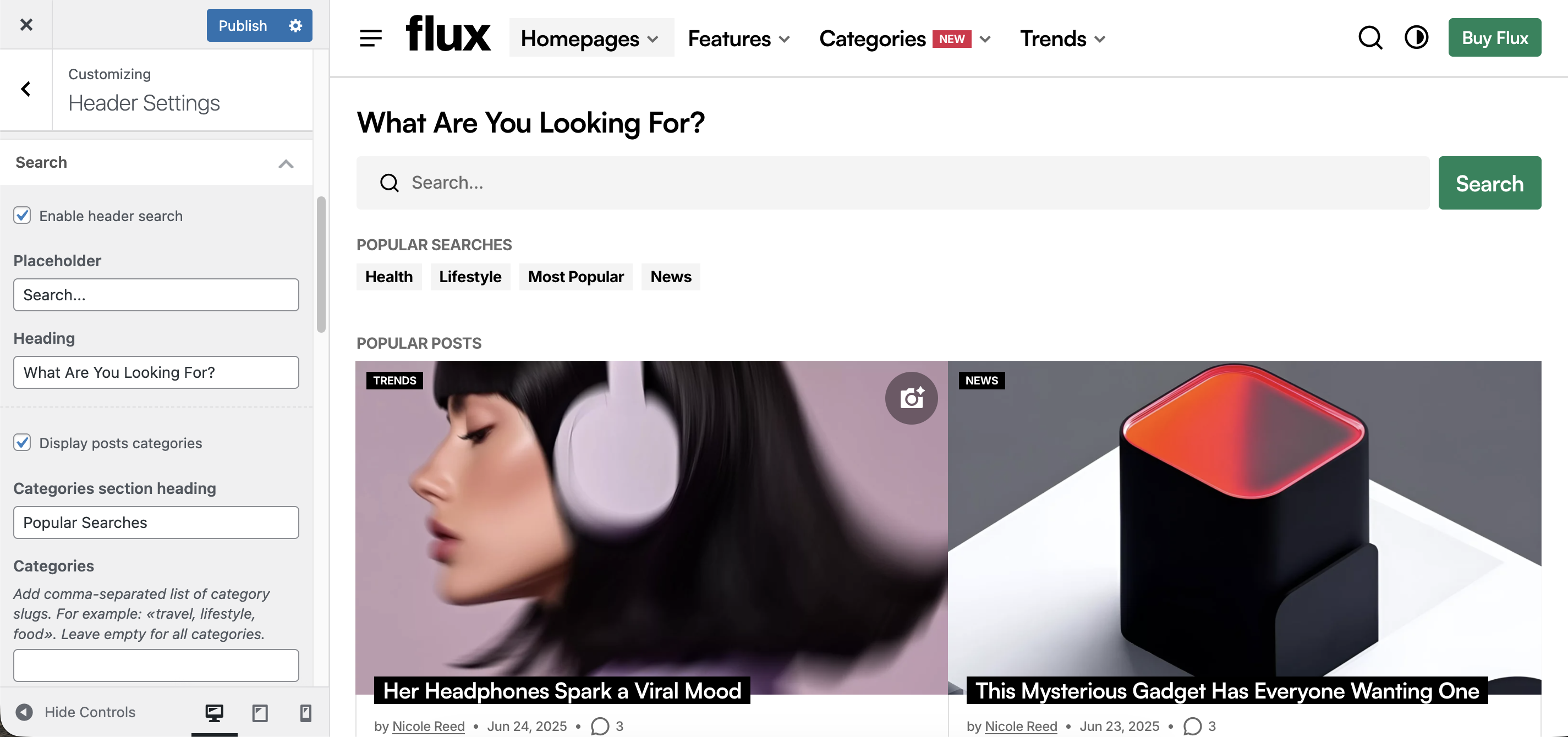
Search
The theme offers header search customization settings to enhance user experience.
Additional optional Featured Posts Area lets you showcase curated content suggestions. This helps guide users toward relevant or timely posts while they search.
Featured Menu
The Featured Menu offers a customizable and engaging way to showcase key content in a dropdown.
It has 2 options:
- Categories: displays specified categories;
- Latest Posts: displays the most recent posts.
This menu encourages deeper engagement by making top content easily accessible without cluttering the main navigation.
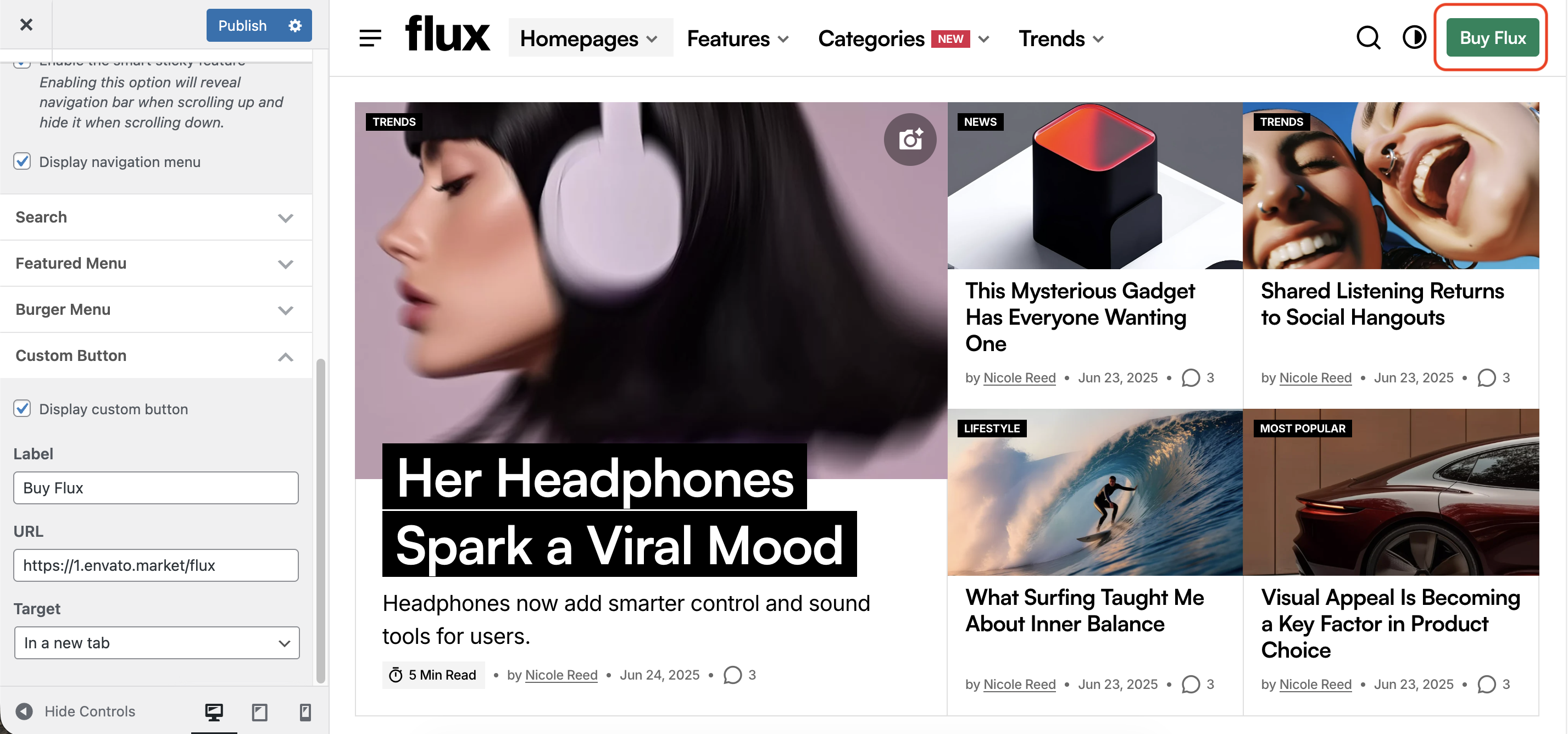
Custom Button
The Custom Button is an optional call-to-action that can be configured with a label, URL, and target.
Ideal for linking to sign-ups, purchases, or featured content.
Burger Menu
It includes:
- Menu Section: for organized, accessible navigation;
- Featured Post Area: for promoting high-priority content;
- Additional Menu: for extra links;
- Social Links: for connecting with your social profiles.
This layout provides users with quick access to key sections of your site within a clean, distraction-free interface – ideal for minimalist designs.